








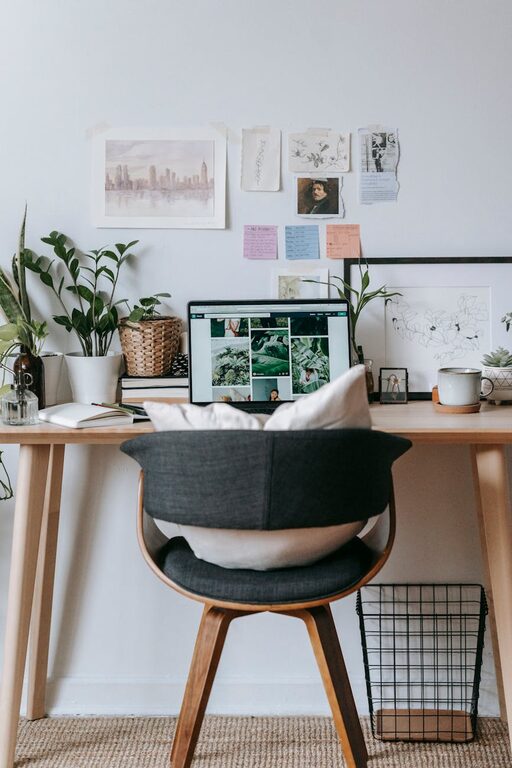
Creating a cozy and functional home workspace is essential for staying productive, focused, and comfortable—especially with many people working remotely or spending more time at home. A well-designed area that reflects your needs and personality can boost creativity and make work feel less stressful. Here are some practical tips to help you design a home workspace that balances comfort and functionality.
Choose the Right Location
Selecting the best spot for your workspace is the foundation of a productive home office.
– Quiet and Low Traffic: Pick a place with minimal distractions, where household noise is limited. A corner in a separate room or a less-used area often works well.
– Natural Light: Whenever possible, set up near a window. Natural light improves mood and reduces eye strain.
– Adequate Space: Ensure there’s enough room for your desk, chair, and any equipment or supplies you use regularly.
Invest in Ergonomic Furniture
Comfort is key for long hours of work. Ergonomic furniture supports your posture and reduces physical strain.
– Adjustable Chair: Choose a chair with lumbar support and adjustable height to keep your back comfortable.
– Desk Height: Your desk should allow your arms to rest comfortably at a 90-degree angle while typing.
– Footrest: Consider a footrest if your feet don’t naturally touch the floor.
Organize for Efficiency
Clutter can distract and cause stress, so keeping your workspace tidy is important.
– Storage Solutions: Use shelves, drawers, or organizers to store documents, stationery, and tech accessories.
– Cable Management: Use clips or sleeves to keep cords neat and out of the way.
– Minimalist Setup: Keep only essential items on your desk to maintain focus.
Optimize Lighting
Adequate lighting can reduce eye strain and create a pleasant atmosphere.
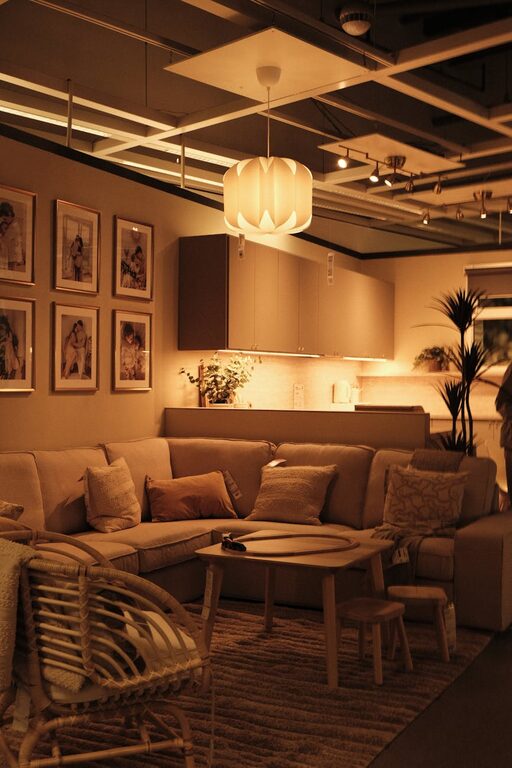
– Layered Lighting: Combine natural light with ambient lighting and a focused desk lamp.
– Adjustable Lamps: Choose lamps with adjustable brightness and direction.
– Avoid Glare: Position your screen and lamp to minimize reflections.
Personalize Your Space
Adding personal touches makes your workspace inviting and inspiring.
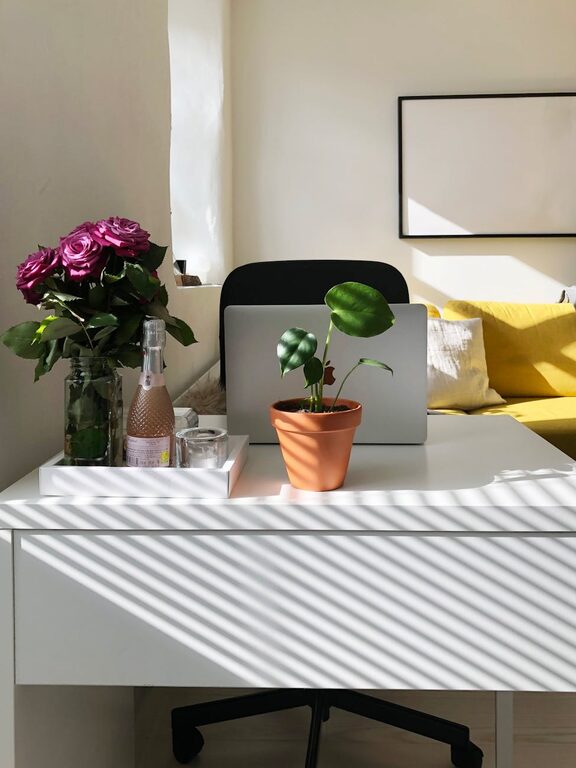
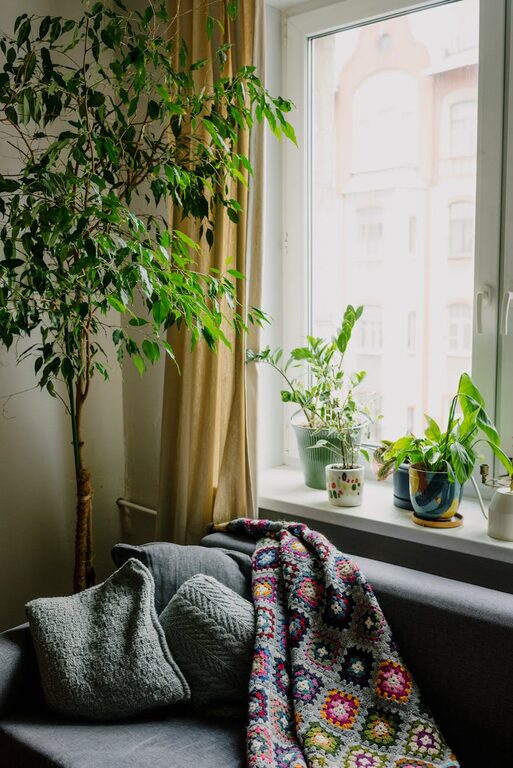
– Plants: Small indoor plants improve air quality and add a calming green touch.
– Artwork and Photos: Use framed prints or personal photos to create a welcoming vibe.
– Comfort Items: A cozy throw, cushions on your chair, or your favorite mug can make work breaks more enjoyable.
Manage Technology Wisely
Technology is essential but can also clutter your workspace if not managed.
– Essential Devices: Keep your computer, printer, and other tools you frequently use.
– Wireless Options: Where possible, use wireless keyboards, mice, and headphones to reduce cords.
– Regular Maintenance: Clean screens and keyboards to maintain a hygienic workspace.
Set Boundaries and Routine
A designated, cozy workspace helps maintain a clear separation between work and personal life.
– Defined Workspace: Use a room divider or a specific corner to mentally separate work from leisure.
– Consistent Schedule: Structure your day with regular breaks and set work hours.
– Break Area: Keep a nearby spot for stretching or relaxing during breaks.
Add Comfort with Temperature and Scents
Creating a comfortable environment includes temperature control and pleasant scents.
– Temperature Control: Use a fan, heater, or open window to keep the space comfortable.
– Aromatherapy: Use subtle essential oils or candles to promote calmness and focus (ensure good ventilation and safety).
—
By thoughtfully combining these tips, your home workspace can become a cozy and effective area that supports your productivity and well-being. Whether you have a small nook or a dedicated room, personalizing your workspace to suit your habits and preferences will make working from home a pleasant experience. Start small, and gradually enhance your setup to create your perfect work environment.